Material guide
Laser engraving photos on clear acrylic
Clear acrylic is usually engraved from the back, so the file is mirrored as well as inverted. The clear acrylic preset sets both for you.
- The laser marks
- Lighter than the surface
- The file
- Inverted by the preset
- Default dither
- Ultra
- Mirror
- On by default
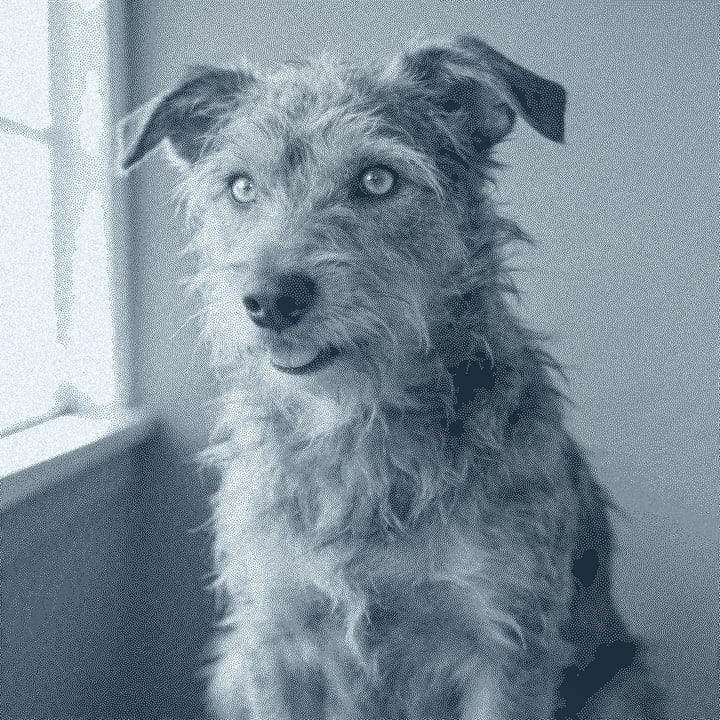
What happens on clear acrylic
On cast acrylic the laser frosts the surface white. On a clear sheet, the frosted dots are the image and the clear parts let the background show through. Because the mark is lighter than the material, the preset inverts the file: the light parts of the photo become frosted dots.
Most photo pieces are engraved on the back face. Looking through the sheet, the engraving is protected and gains a sense of depth. That only works if the image is mirrored, otherwise text and faces read backwards from the front. The Mirror toggle is on by default for clear acrylic, and you can turn it off when you engrave the front.
Cast and extruded acrylic behave differently. Cast acrylic frosts to a crisp white. Extruded acrylic tends to melt instead, giving a clearer, softer mark that shows less detail. If you are buying blanks for photos, ask for cast. Clear acrylic is mainly a CO2 material: most diode laser light passes straight through clear sheet.
Recommended DPI by laser type
| Laser | DPI | Notes |
|---|---|---|
| Diode | Not recommended | Most diode wavelengths pass through clear acrylic without marking it. Use a CO2 laser, or a coloured or masked sheet. |
| CO₂ | 254 | The usual tool for acrylic. Start at 254 DPI on cast sheet. |
| CO₂ fine | 318 | A 1.5 in lens gives finer frosting on cast acrylic. |
| Fiber | Not recommended | Fiber lasers are made for metal and generally do not mark clear acrylic well. |
| Galvo / UV | 423 | UV galvo machines can mark clear plastics with fine detail. Check your machine's supported materials. |
On acrylic, overlapping lines melt together and the frost turns patchy. Stay near your laser's default and confirm with a test card. The laser DPI calculator gives the DPI for your spot size.
Try it on clear acrylic
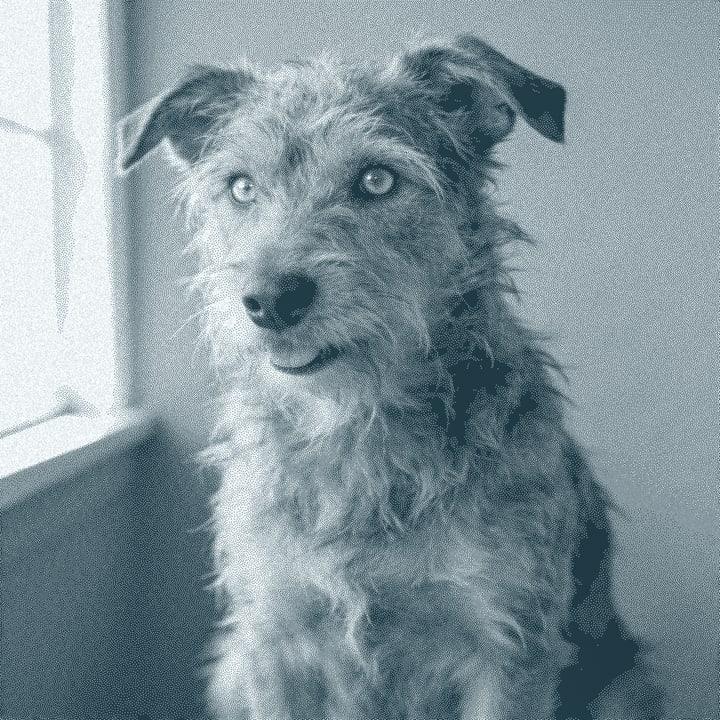
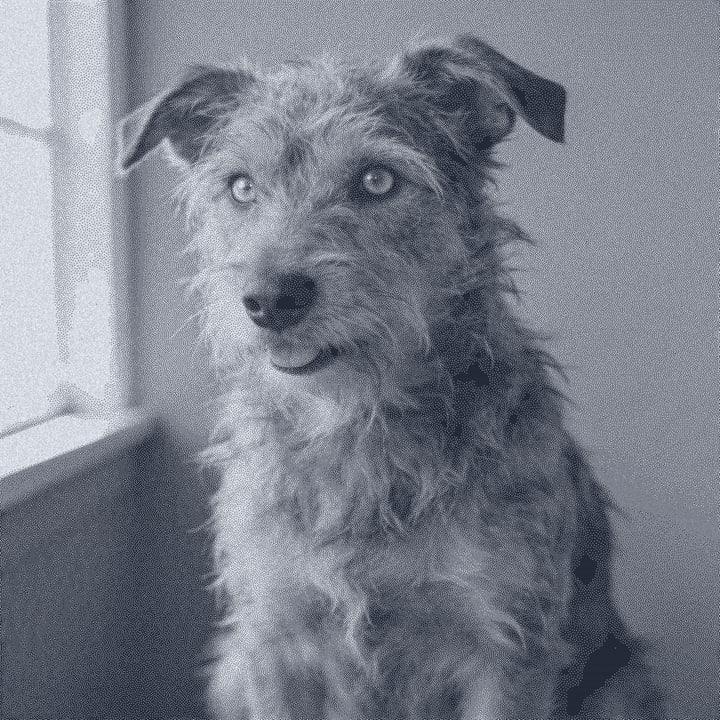
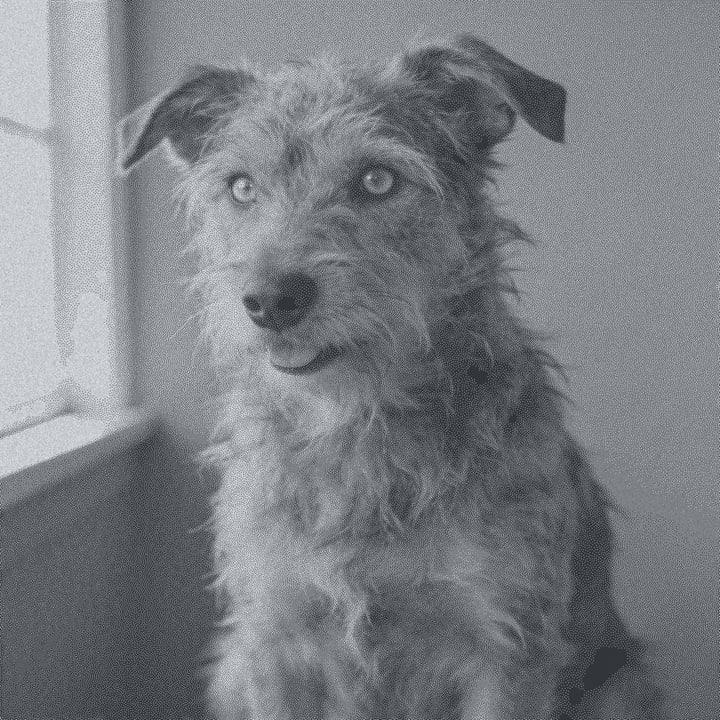
Drop a photo, or use a sample. Our real engine makes a 4 in file at 254 DPI for Clear Acrylic with the Ultra dither, here in the page. The photo stays on your device.
No photo handy?
Downloading the file needs a free account.
How to prepare a photo for clear acrylic
Drop your photo
It stays in your browser while the file is prepared.
Pick Clear Acrylic
The preset inverts the file, turns Mirror on and uses the Ultra dither.
Decide front or back
Leave Mirror on to engrave the back face. Turn it off only if you engrave the front.
Set the size and laser
Enter the sheet size and pick your laser type. A CO2 laser is the usual choice.
Check the preview
Use the On material tab and the loupe (press L) to check faces before you burn.
Export
PNG, 1-bit BMP, 24-bit BMP or a .lbrn2 project for LightBurn. The file is already mirrored and inverted.
Prep tips
- Use cast acrylic for photos. It frosts white and holds detail; extruded tends to melt.
- Leave the protective film on the side you are not engraving, so it stays scratch-free.
- Peel the film from the engraving side before you burn, unless your test shows the film helps.
- For edge-lit signs, engrave the back and light the edge. The frosted dots catch the light.
- Place a dark card behind the finished piece when you photograph or display it: frosted dots read best against black.
- Run a test grid on an offcut of the same sheet. Acrylic from different suppliers frosts differently.
- Never laser a sheet you cannot identify. Some clear plastics, such as PVC and polycarbonate, must not be lasered.
Common mistakes
- Forgetting to mirror
- Engraving the back without mirroring makes text and faces read backwards from the front. The Mirror toggle is on by default for this preset.
- Mirroring twice
- The exported file is already mirrored. If your laser software also mirrors the job, it flips back.
- Using extruded sheet for portraits
- Extruded acrylic melts rather than frosts, so faces lose their fine tones. Use cast.
- Trying a diode laser on clear sheet
- Most diode laser light passes through clear acrylic. You will waste time and may mark the bed underneath.
Questions
About engraving photos on clear acrylic. More in the guides.
- Do I need to mirror the image for acrylic?
- Yes, if you engrave the back face so it reads from the front. The clear acrylic preset turns Mirror on by default.
- Why is the file inverted?
- The laser frosts acrylic white, so the light parts of the photo need to be engraved. The preset inverts the file for you.
- Cast or extruded acrylic?
- Cast for photos. It frosts to a crisp white. Extruded acrylic tends to melt and gives a softer, clearer mark.
- Can I engrave clear acrylic with a diode laser?
- Usually not. Most diode laser light passes through clear acrylic. A CO2 laser is the usual tool.
- How is clear acrylic different from glass?
- Acrylic frosts cleanly and does not chip. Glass frosts too, but it can chip, so it needs a lower DPI and a wet film on top.
Keep going
Make your clear acrylic file.
Sign up free to download the file you made here, then use One Click, Easy Mode and Batch in the app.
Free account, email link, no card.