
Wood
Marks dark.
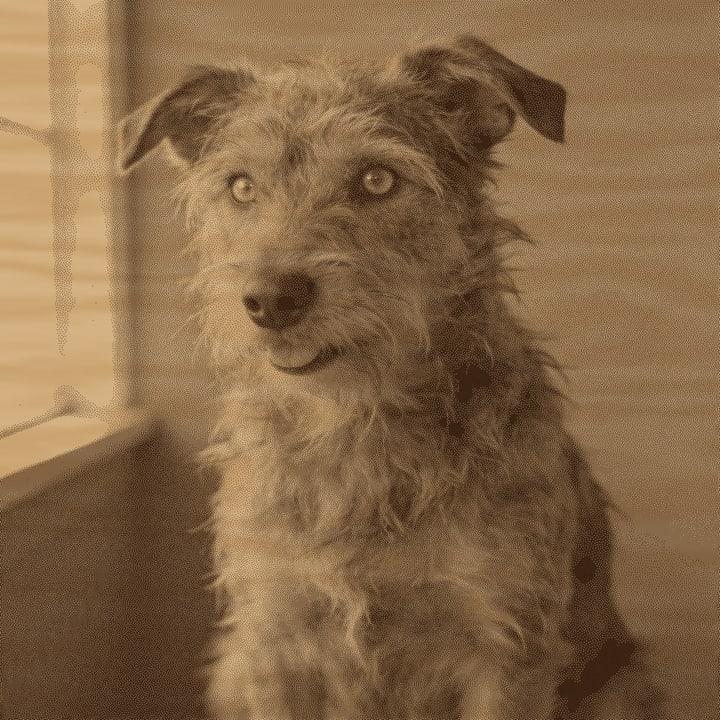
Burns dark. The preset lifts midtones so faces do not go muddy. Light woods give the most contrast.
Drop a photo, pick the material, get a burn-ready file in seconds. It all runs in your browser.
The laser is the easy part.
Turning a photo into dots it can burn is where it goes wrong.
A laser knows two things.
Burn. Or don’t.
Your photo has 256 shades of grey.
Get the translation wrong and faces go muddy, fur turns to worms, and slate comes out like a negative.
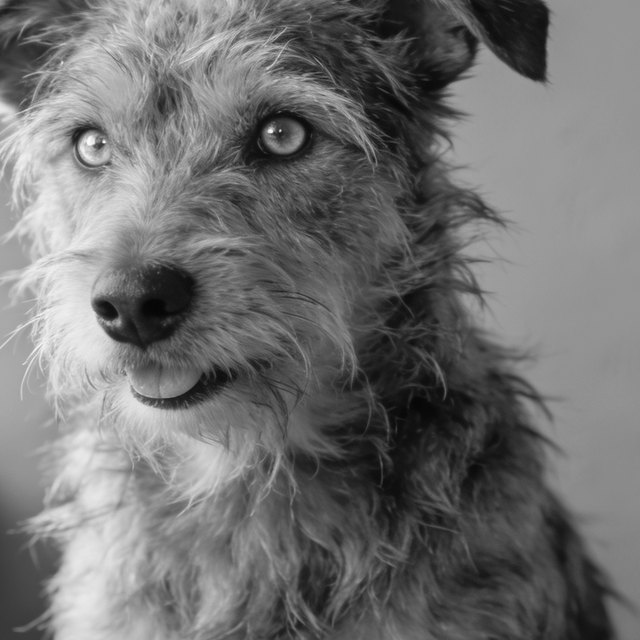
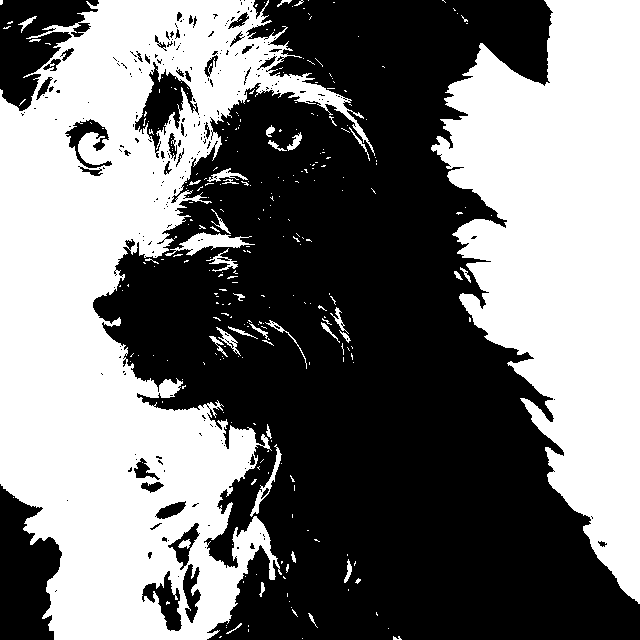
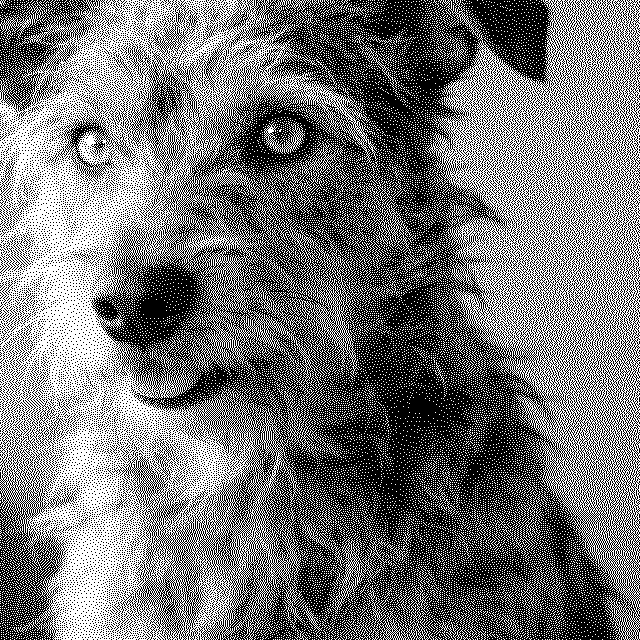
This is the real file our engine made from that photo: 1016 by 1016 dots, 4 inches at 254 DPI, Ultra dither. Each pass of the laser turns a band of the photo into dots.
Switch the material and you get a different file from the same photo. Slate marks light, so its file is inverted. Wood burns dark.
One Click
Smart Auto sets tone, size and sharpening for the material, and the Ultra dither places every dot. A 4 inch file takes about a second.
Easy Mode
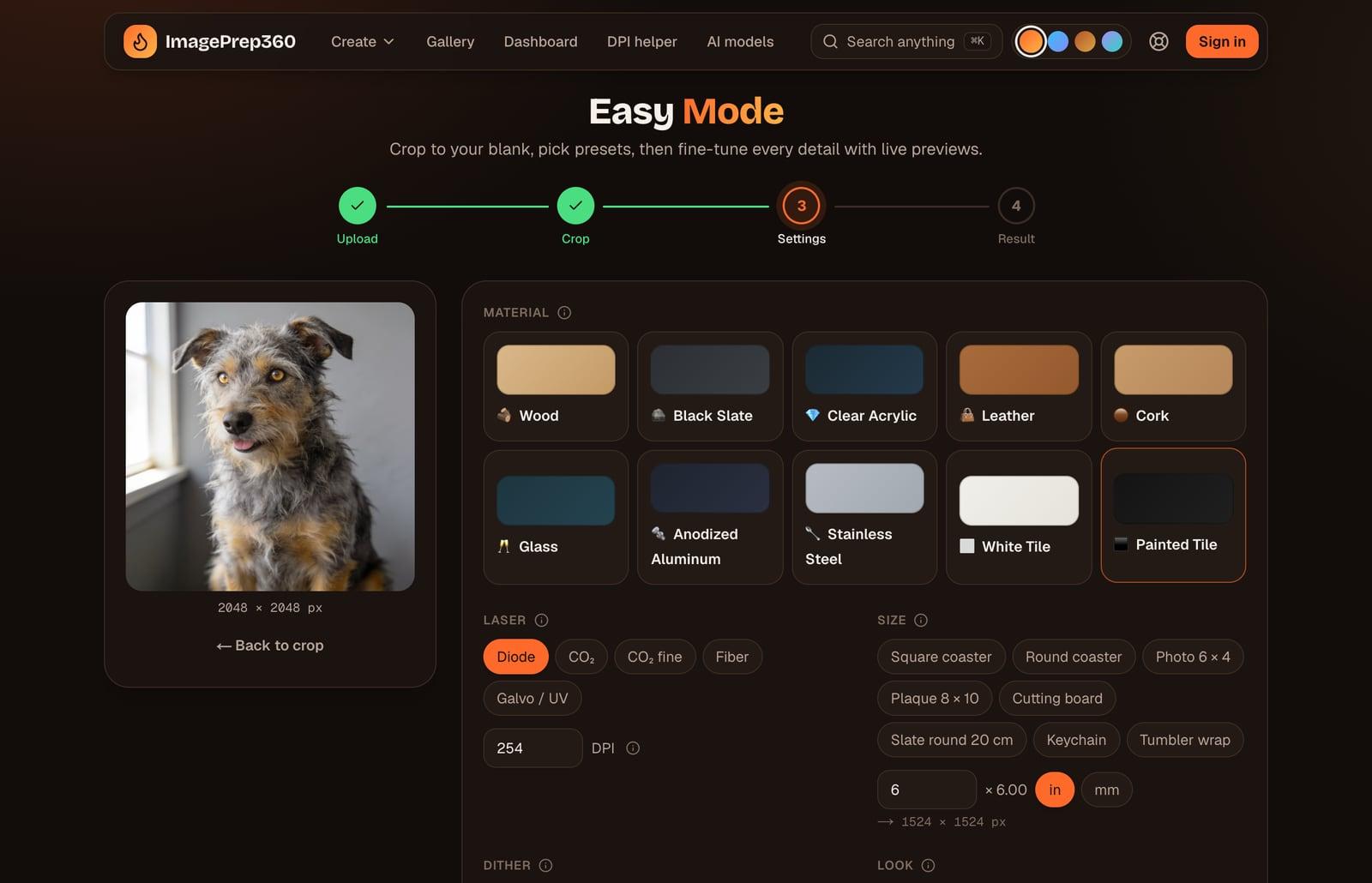
Crop to your blank, choose the material, laser and size, then fine-tune with sliders and a magnifier loupe, previewed on the material.
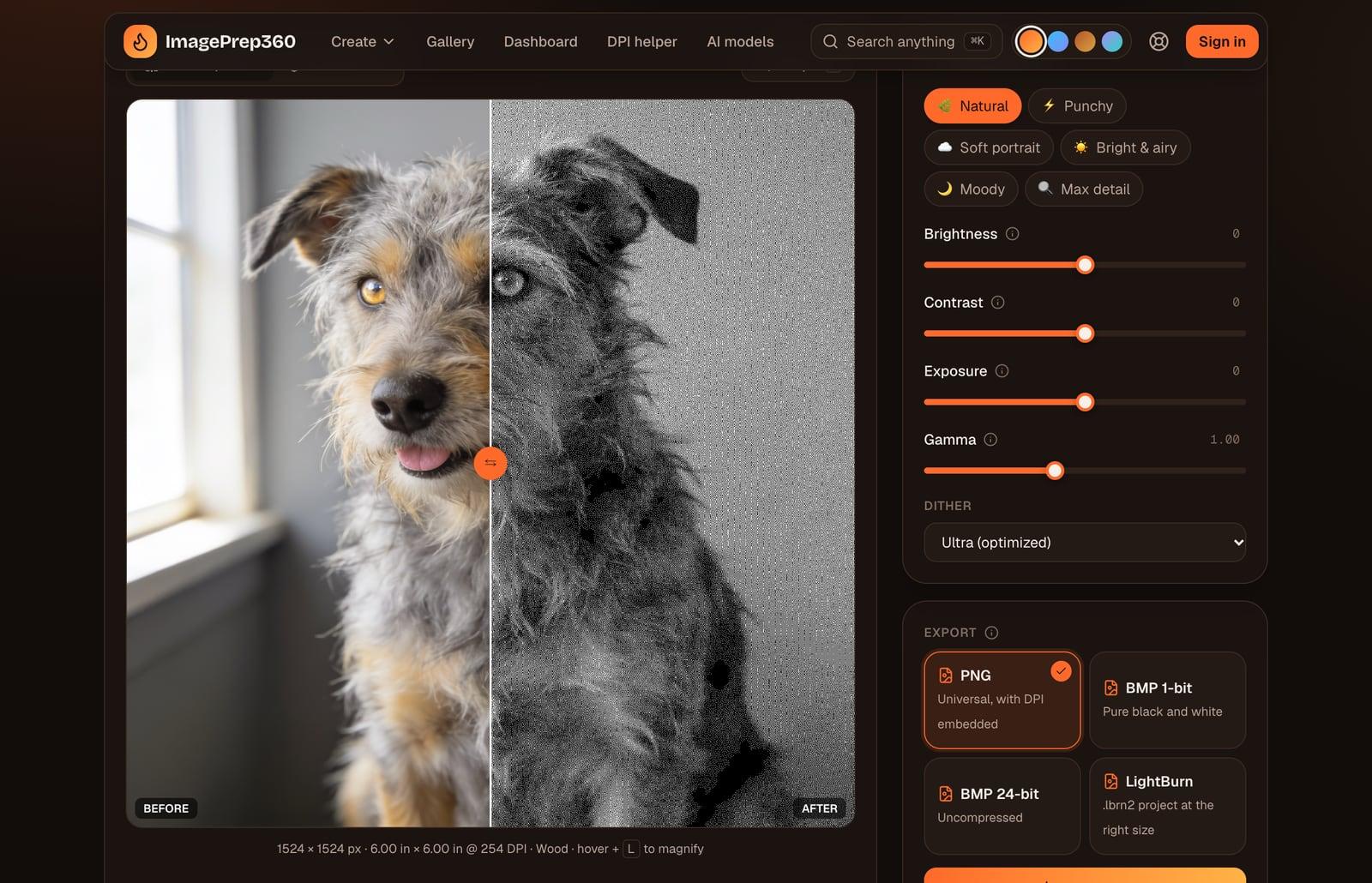
Every material has its own preset: tone, sharpening, whether the file is inverted. These are the files our engine made for each one.
Marks dark.
Burns dark. The preset lifts midtones so faces do not go muddy. Light woods give the most contrast.
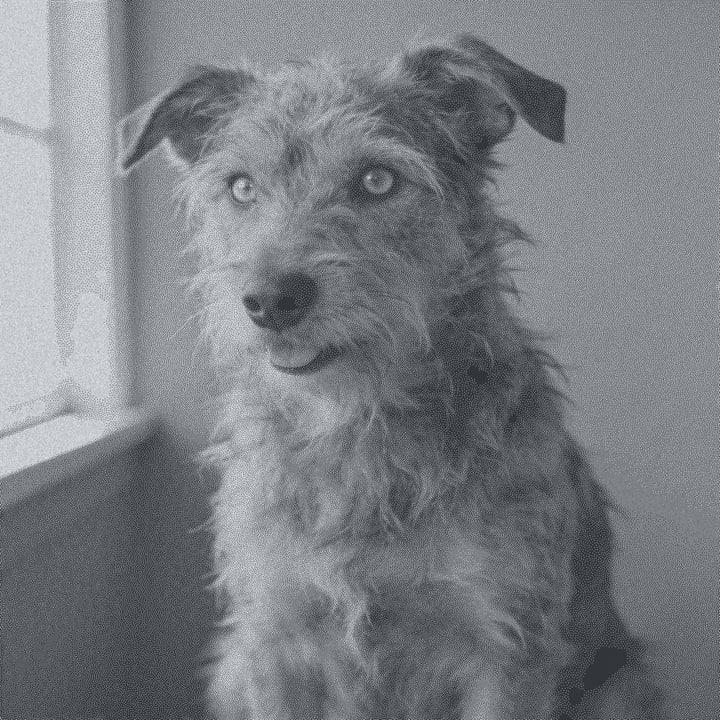
Marks light. File inverted.
Marks lighter, so the file is inverted. Wipe with oil afterwards to deepen the blacks.
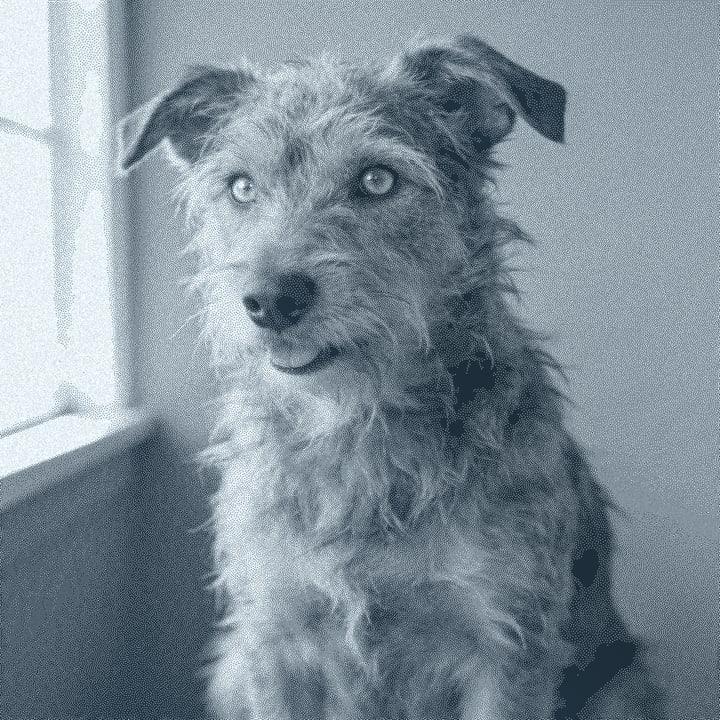
Marks light. File inverted.
Engrave the back so it reads from the front. Cast acrylic frosts white.
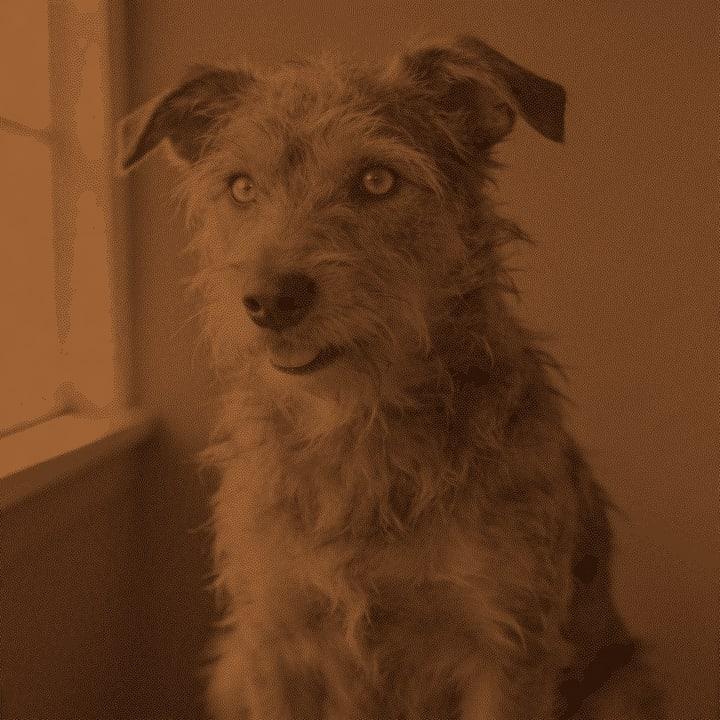
Marks dark.
Vegetable-tanned leather engraves best. Check what you have first: some types release harmful fumes.
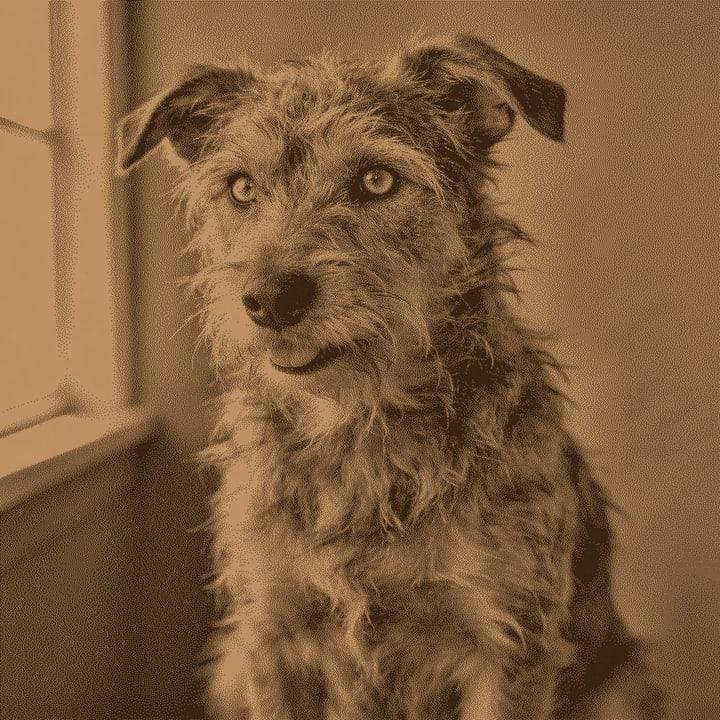
Marks dark.
The grain hides fine detail. Bold, high-contrast subjects work best.
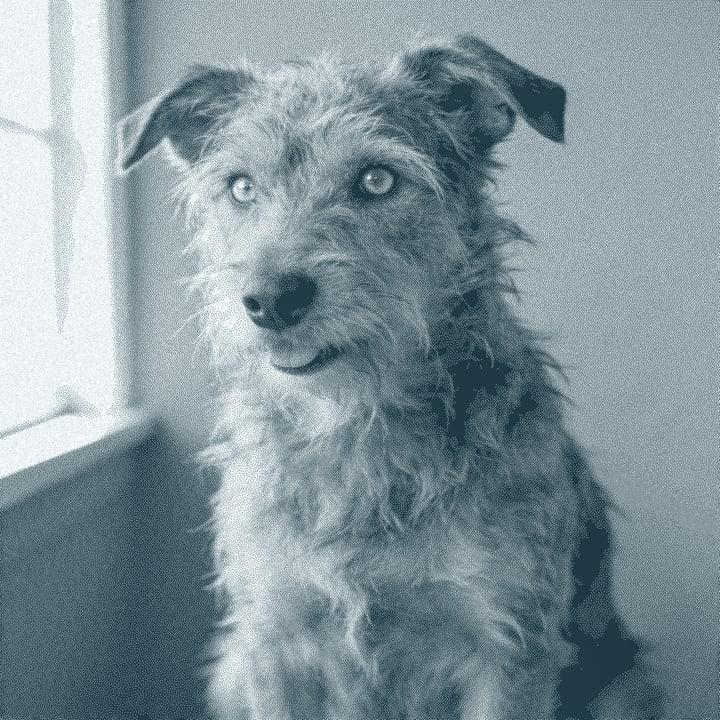
Marks light. File inverted.
Frosts rather than burns. A film of wet paper or dish soap reduces chipping. Use 200 to 250 DPI.
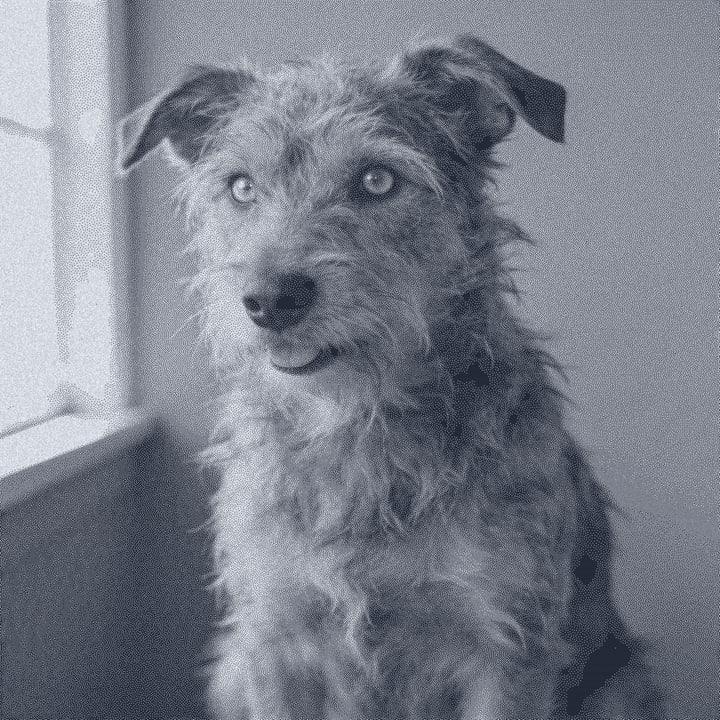
Marks light. File inverted.
The laser removes the coating to reveal silver metal, so the file is inverted.
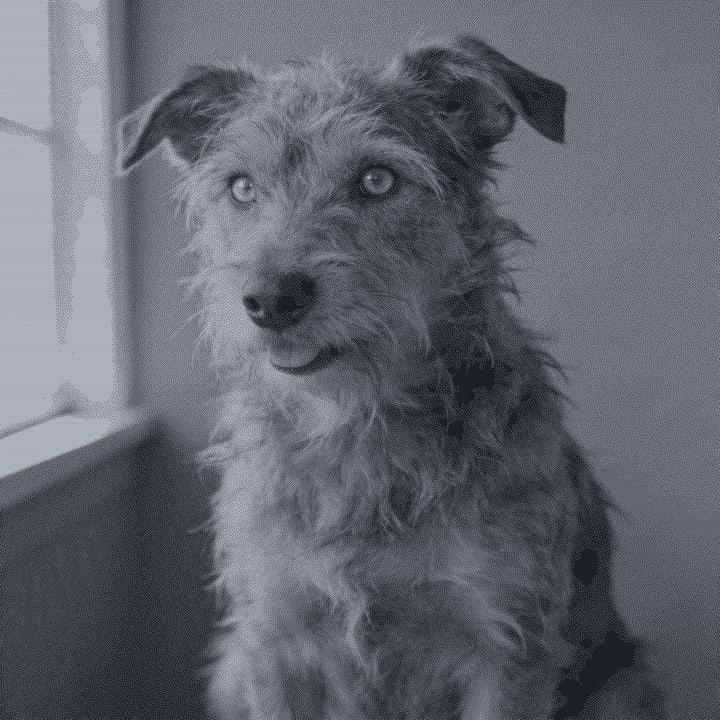
Marks dark.
Fiber lasers mark it directly; diode and CO2 need a marking spray. 400 to 600 DPI on fiber.
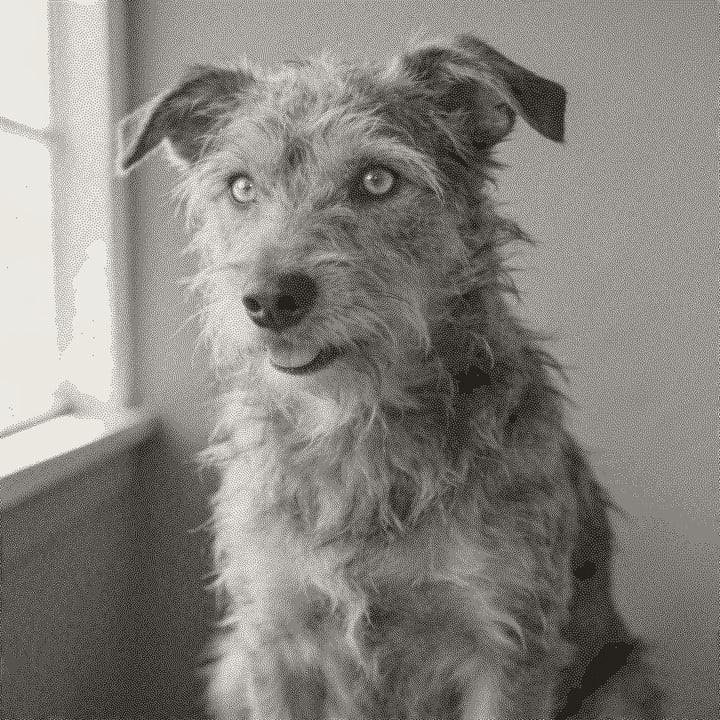
Marks dark.
Coat with toner or marking spray, engrave, wash it off. The marks stay dark.
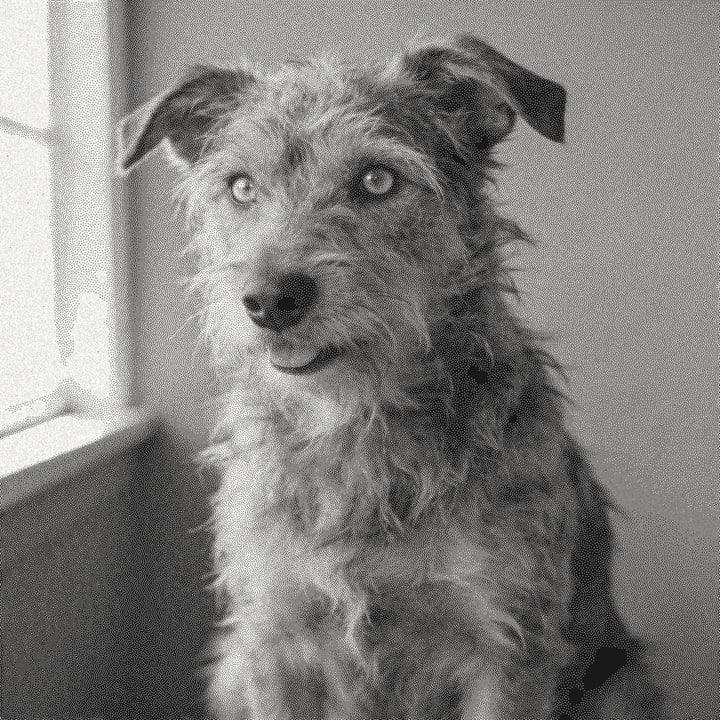
Marks light. File inverted.
Paint it matte black first. The laser burns the paint off to white glaze, so the file is inverted.
Not on the list? Pick the closest preset, then fine-tune it in Easy Mode.
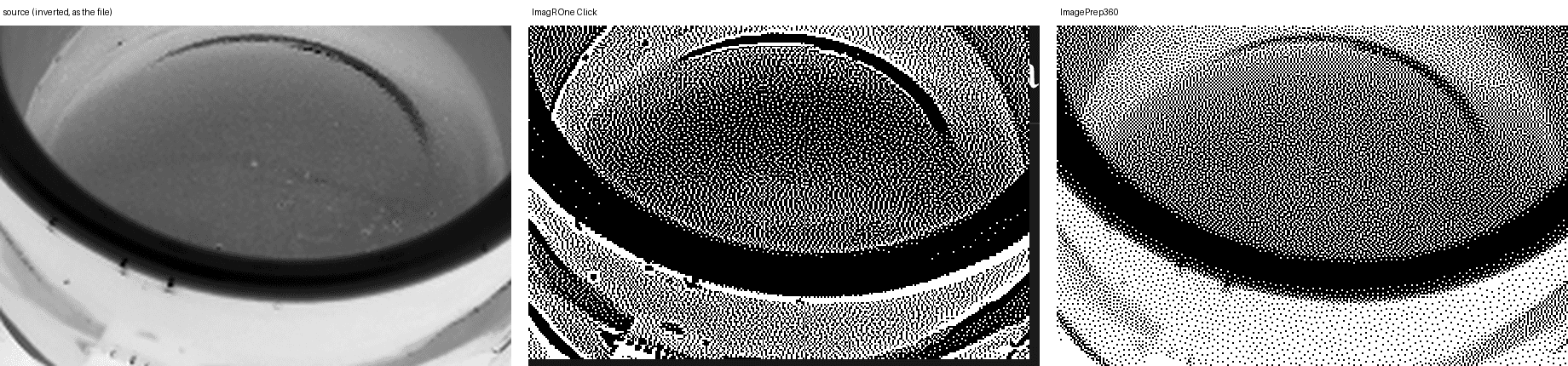
Three photos, each prepared for wood, black slate and anodized aluminum at 4 inches and 254 DPI, by our One Click and by ImagR One Click. Both outputs were scored with the same code. Lower is better.
9 of 9 cases with lower structural error
| Mean over 9 cases | ImagePrep360 | ImagR One Click |
|---|---|---|
| Structure (1 − SSIM) | 0.093 | 0.453 |
| Detail (GMSD) | 0.051 | 0.239 |
| Tone error | 0.016 | 0.151 |
One Click, Easy Mode and Batch run in your browser. Only AI steps send the photo to the AI provider you choose.
Coming soon: Google Drive for Batch.
ProvisionalLaunch pricing, subject to change. Nothing here is billed yet.
For trying it on real jobs.
$0 forever
For people who engrave every week.
$12 per month
The same Pro plan, paid once a year.
$99 per year
Drop a photo and our engine makes the file for your material, right here in the page.
No photo handy?
Downloading the file needs a free account.
Free account, email link, no card.