Material guide
Laser engraving photos on anodized aluminum
On anodized aluminum the laser removes the coloured coating and reveals bright metal, so the file is inverted. Diode, CO2 and fiber lasers all work.
- The laser marks
- Lighter than the surface
- The file
- Inverted by the preset
- Default dither
- Ultra
- Mirror
- Off by default
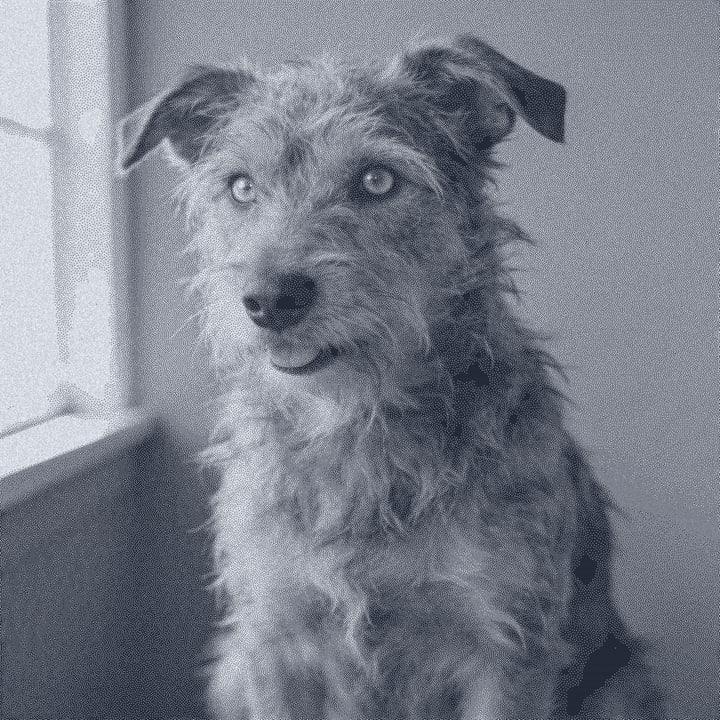
What happens on anodized aluminum
Anodized aluminum has a thin coloured oxide layer on top of bare metal. The laser removes that layer where it fires, showing the silver aluminum underneath. On black or dark anodizing the mark is much lighter than the surface, so the anodized preset inverts the file: the light parts of the photo become exposed metal.
The contrast between dark coating and bright metal is strong, so the preset keeps the tones close to the photo, with only a touch of contrast and a light sharpen, and dithers with Ultra. Metal does not spread the mark the way wood does, so each dot stays crisp and fine detail survives well. That makes it a good surface for pet tags, phone cases, business cards and keychains.
The result depends on the coating. Black anodizing gives the most contrast. Light colours such as silver or gold give a weak mark that can be hard to read, because the bare metal is close to the coating's colour.
Recommended DPI by laser type
| Laser | DPI | Notes |
|---|---|---|
| Diode | 254 | Diodes remove dark anodizing well. Start at 254 DPI. |
| CO₂ | 254 | Works on anodizing. Test, because CO2 removes the coating without marking the metal below. |
| CO₂ fine | 318 | Finer detail for small tags and cards. |
| Fiber | 508 | Fiber lasers mark anodized aluminum very cleanly with a tiny spot. Great for small parts. |
| Galvo / UV | 423 | High-detail galvo marking suits small anodized parts. |
Anodized aluminum holds fine dots, so you can use the full default DPI for your laser type. For a fiber laser that is 508 DPI. Check your spot with the laser DPI calculator.
Try it on anodized aluminum
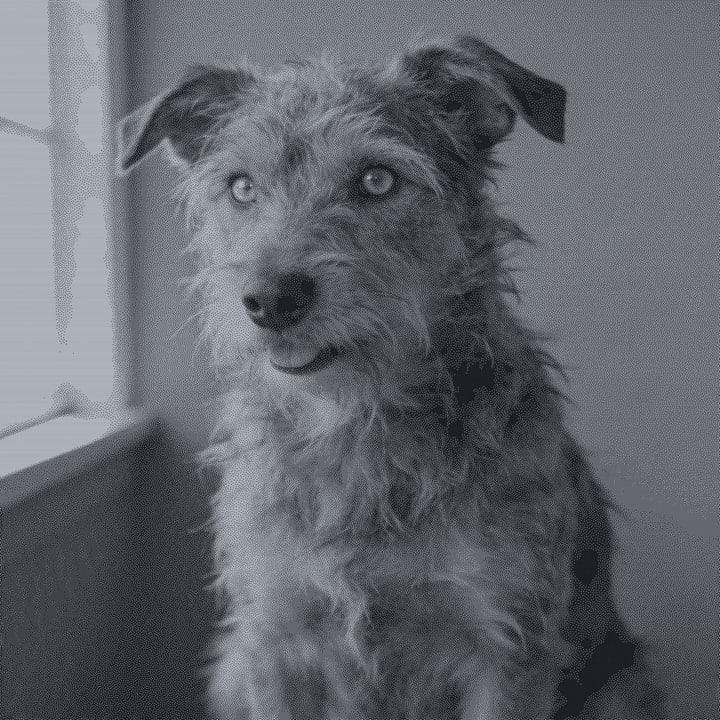
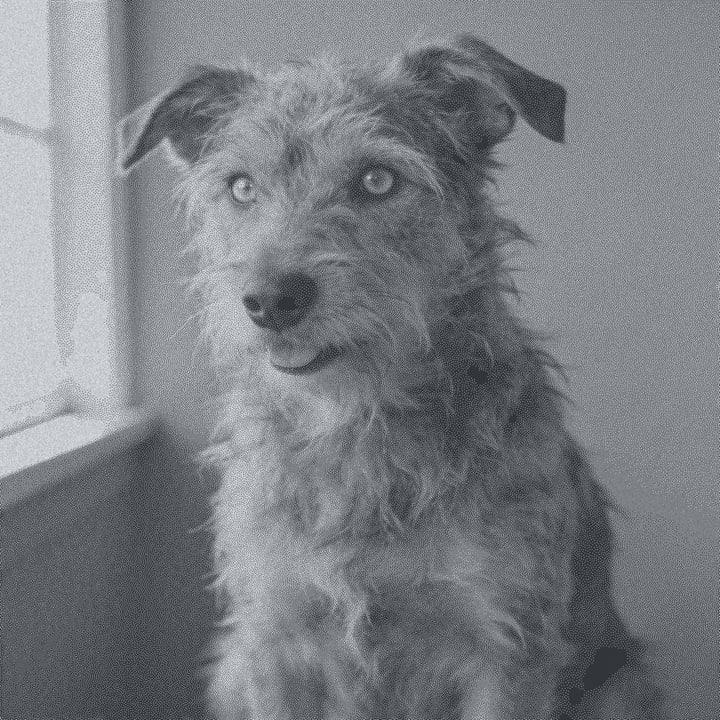
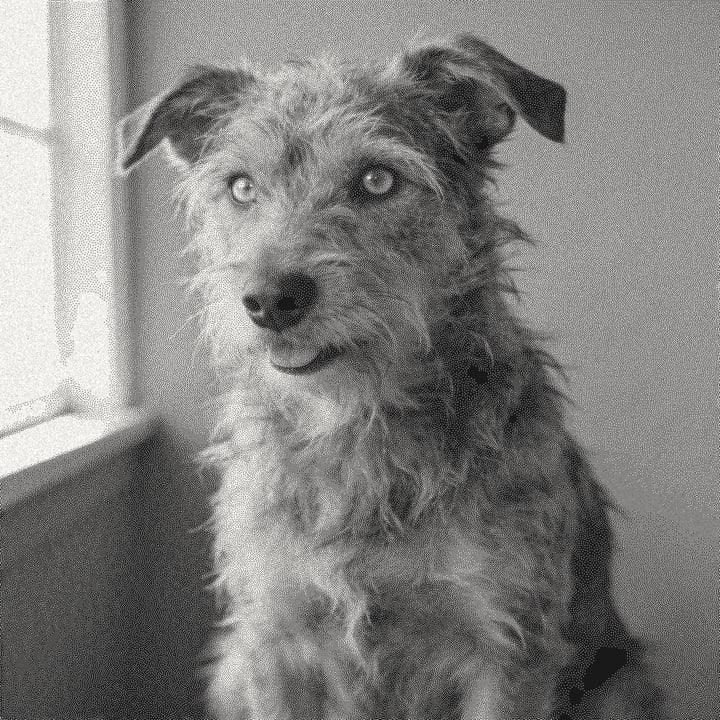
Drop a photo, or use a sample. Our real engine makes a 4 in file at 254 DPI for Anodized Aluminum with the Ultra dither, here in the page. The photo stays on your device.
No photo handy?
Downloading the file needs a free account.
How to prepare a photo for anodized aluminum
Drop your photo
It stays in your browser while the file is made.
Pick Anodized Aluminum
The preset inverts the file so the laser exposes the light parts of the photo.
Crop to the part
Use rounded for cards and phone cases, circle for round tags, or a custom mask.
Set the size and laser
Enter the engraving area and pick your laser. Fiber users get 508 DPI.
Check on material
The On material tab shows light marks on the dark coating. Press L for the loupe.
Export
PNG with DPI embedded, 1-bit BMP or a .lbrn2 project for LightBurn.
Prep tips
- Use black or dark anodizing for photos. Light colours give a weak mark.
- Clean off oil and fingerprints before engraving.
- Small parts move easily. Hold them with a jig or tape so the job stays aligned.
- Photos with a light subject on a dark background read best once inverted.
- Tags are small, so crop very tight on the face and try the Max detail look for fur.
- If your source photo is small, upscale it before a high-DPI fiber job.
Common mistakes
- Not inverting
- A normal photo on anodized aluminum comes out as a negative. The preset inverts the file; leave the invert option off in your laser software.
- Using light anodizing
- Silver or gold anodizing barely contrasts with bare metal. The photo will be faint.
- Too much power
- Past removing the coating, extra power can discolour the metal and blur the edges of dots. Test first.
- A small photo on a high-DPI job
- A 2 in tag at 508 DPI needs about 1016 pixels. Check the pixel size, or upscale.
Questions
About engraving photos on anodized aluminum. More in the guides.
- Why is the file inverted for anodized aluminum?
- The laser removes the dark coating and shows bright metal, so the light parts of the photo need to be engraved. The preset inverts the file.
- Can a diode laser engrave anodized aluminum?
- Yes. Diode, CO2 and fiber lasers can all remove the anodized coating.
- Which colour of anodizing is best for photos?
- Black, because the contrast with bare metal is the strongest.
- What DPI should I use?
- Your laser's default: 254 for diode and CO2, 318 for fine CO2, 508 for fiber and 423 for galvo.
- Can I engrave bare aluminum the same way?
- Bare aluminum is a different job and usually needs a fiber laser or marking spray. For stainless, see stainless steel.
Keep going
Make your anodized aluminum file.
Sign up free to download the file you made here, then use One Click, Easy Mode and Batch in the app.
Free account, email link, no card.